Four example Bryno cards: a professional, a personal card, a business and a creator.
What Is Bryno?
Bryno is an online platform for creating personalized digital contact cards.
Unlike a traditional business card, a Bryno card can include much more than your name, phone number, and email address.
It can showcase your professional experience, personal interests, creative work, social profiles, products, services, and other information—all through a single customizable webpage.
Every card has its own shareable URL and can be accessed from a compatible web browser.
You don't need to build a website, purchase a domain, or know how to code.
Bryno is designed for individuals, professionals, creators, entrepreneurs, and businesses.
You can create a simple digital business card or build a richer personal microsite using customizable content modules.
And if you want your card to do more than display information, you can add an optional AI representative that answers visitors' questions using knowledge you've approved.
One card. Everything you.
How Do You Create a Bryno Card?
Creating a digital card with Bryno is designed to be simple.
You start with the essentials, get your card, and personalize it at your own pace.
Step 1: Add Your Basic Information
Enter your name, email address, and the contact information you want to share.
Add a profile photo or image that represents you.
Bryno uses your information to create the foundation of your digital card.
You can enter details manually or use supported contact-import options.
An email address is required to create and manage your card.
Create your card
Your nameJade OkaforTitle or what you do (optional)Music loverPhone (optional)Emailjade@example.comCreate My CardThe first screen of Create Your Card: your name and email are all it takes.
Step 2: Customize Your Appearance
Choose how your card looks.
Select a background, accent color, typography, and header style.
Use your own images or choose from available design options.
Your card can be minimal and professional, colorful and expressive, or anything in between.
Backgrounds
Original
Atmosphere
Flow
Aurora
Architecture
Sculpt
Typography
AaModern
AaEditorial
AaMinimal
AaClassic
AaContemporary
AaCreative
Section style
Rounded
Square
Borderless
The design options in Customize: six backgrounds in light and dark, six typography sets and three section styles, with any accent color and a Portrait or Logo header.
Step 3: Add Your Content
Make your card more personal by adding the content modules you want.
Share your work, interests, social profiles, products, services, photos, or favorite media.
There is no requirement to use every module.
About Me
My Photos
Portfolio & Projects
Expertise & Services
My Music
My Movies
My Books
My Podcasts
Favorite Games
Interests
My Stores
Payments & Tips
Custom Section
A few of the sections in Add a section. Add only the ones you want, in any order.
Step 4: Share Your Card
Your card has a unique link that you can share through messages, email, social media, websites, and other channels.
You can also display its QR code for people to scan in person.
When you edit your published card, the same link continues to point to your updated profile.
bryno.io/examples/jade-okaforEvery card has its own link and QR code. Scan this one to open Jade Okafor's example card.
Your Bryno card can be opened in a web browser without requiring the recipient to create a Bryno account.
One link makes your information easier to share, wherever you meet people.
Can Someone Save Your Contact Information to Their Phone?
Yes.
Bryno supports contact sharing through a downloadable vCard contact file.
A vCard is a widely supported format for transferring contact information between devices and contact applications.
When someone opens your Bryno card, they can select the Save Contact option to download or open the contact information you've chosen to provide.
Depending on their device and contacts application, they may be able to import your name, phone number, email address, and other supported contact fields.
This helps reduce the need to type contact information manually.
A saved contact is separate from your live Bryno profile. Changes to your Bryno card do not automatically update contact entries already saved on another person's phone.
For the latest information, people can revisit your card through its original link.
Who Are Digital Contact Cards For?
Digital contact cards are useful for anyone who wants a convenient way to share information about themselves.
Bryno is not limited to business networking.
Individuals
Create a personal profile that shares your interests, social links, photos, and ways to stay in touch.
Every example is fictional and labelled so on its own page.
Digital Business Cards vs. Traditional Business Cards
Traditional business cards are familiar, but they have limitations.
A printed card usually contains a name, title, company, and a few contact details.
A digital card can provide a more complete and updateable introduction.
Paper business cards compared with Bryno digital cards
Feature
Paper Business Card
Bryno Digital Card
Name and contact information
Yes
Yes
Share by link
No
Yes
QR code access
Only if printed
Yes
Update information after distribution
No
Yes, on the live card
Portfolio and media
Limited
Yes
Social and storefront links
Limited
Yes
Customizable content modules
No
Yes
Optional AI representative
No
Yes
Requires physical printing
Yes
No
A digital card doesn't have to replace every printed business card.
It provides another way to share more information, keep your online profile current, and make it easier for someone to explore what you do.
What Is an AI-Powered Digital Business Card?
An AI-powered digital business card combines a shareable online profile with an interactive AI assistant.
Bryno offers an optional AI representative that visitors can interact with directly from a supported card.
Instead of only reading information on your profile, visitors can ask questions.
The representative uses your approved knowledge to provide relevant answers.
Fuego Street TacosAI representative · example
A visitor asks: Do you cater?
The AI representative answers: Yes, for 30 to 300 guests in the San Antonio area. Email hola@example.com with your date and headcount.
A visitor asks: How spicy are the tacos?
The AI representative answers: Every taco is served mild. The salsa bar goes from a mild tomatillo to a habanero salsa labelled Fuego.
An example conversation. Every answer is Fuego Street Tacos's own FAQ, word for word: the representative answers from approved knowledge only. Try Fuego Street Tacos's AI representative demo.
For a Business
“What services do you offer?”
“How can I request a quote?”
“Do you serve customers outside your local area?”
For a Professional
“What kind of work do you specialize in?”
“Where can I see your portfolio?”
For a Creator
“How can a brand collaborate with you?”
“Where can I find your latest work?”
For a Personal Profile
“What music do you like?”
“What are your favorite books?”
The representative can help visitors understand your profile without requiring you to personally answer every introductory question.
It is not a substitute for direct communication, and it should not invent information that hasn't been provided.
Your card introduces you. Your AI representative can continue the conversation.
Can Your Bryno Card Appear in Google and AI Search?
Bryno's own pages are open to search engines. Individual cards are kept out of search results for now, so people find your card through the link or QR code you share.
A public digital card can include readable information about a person, professional, creator, or business.
For eligible profiles, Bryno can organize that information using search-friendly HTML and relevant machine-readable structured data.
Structured data helps compatible systems interpret information such as names, organizations, services, links, and other supported attributes.
This can make a public profile easier for search systems to understand.
However, search engines and AI platforms independently decide which pages to crawl, index, retrieve, cite, or recommend.
Bryno does not guarantee search rankings, AI citations, or recommendations.
Your Privacy and Indexing Preferences
Personal profiles are not required to be publicly indexed by search engines.
Where supported, you can choose whether to allow search-engine and AI indexing through your profile settings.
A profile that isn't indexed can still be accessible to someone who has its direct link.
This gives you control over how you choose to share your digital identity.
How Much Does Bryno Cost?
You can start with a free digital card and upgrade when you want additional capabilities.
Free $0
Create a Bryno-branded digital card.
Customize your profile, add supported content, and share your link.
The AI representative answers up to 100 conversations a month. AI usage limits and current entitlements are described on the Pricing page.
Frequently Asked Questions About Bryno
What is a digital business card?
A digital business card is an electronic alternative to a printed business card. It typically includes contact information and can be shared through a link, QR code, or compatible contact file. More advanced digital cards, such as Bryno, can also include portfolios, photos, social links, products, services, and other personalized content.
How does a digital business card work?
A digital business card stores information on a shareable digital profile. When someone opens its link or scans its QR code, they can view the information you have chosen to share. Depending on the platform, visitors may also be able to save contact details, explore additional content, or interact with an AI assistant.
How do I create a free digital business card?
With Bryno, start by entering your basic information and creating your card. You can then customize its appearance, add supported content modules, and share your unique link or QR code. The free plan includes Bryno branding, and no credit card is required to get started.
Is Bryno free to use?
Yes. Bryno offers a free digital card. A one-time Pro purchase removes Bryno branding, while an optional AI subscription adds an interactive AI representative.
Do I need a business to create a Bryno card?
No. Bryno is designed for personal, professional, and business use. You can create a card for yourself even if you don't own a business, sell products, or have a professional website.
Do I need a website to use Bryno?
No. Bryno provides your card with its own shareable URL. You can use it as a standalone personal microsite or as a companion to an existing website.
Can I customize my digital card?
Yes. Bryno supports customization of your card's visual appearance and content. You can choose available colors, backgrounds, typography, header styles, images, and content modules.
Can I add music, movies, books, and hobbies to my digital card?
Yes, Bryno supports personal-interest modules that let you share more than professional contact details. Available modules include music, artists, songs, movies, TV shows, books, podcasts, games, anime, manga, and your interests and hobbies.
Can I use Bryno as a personal website?
Yes. A Bryno card can function as a simple personal microsite. You can use it to introduce yourself, share your contact information, display selected content, and connect visitors to other online destinations.
Can small businesses use Bryno as a website?
Bryno can provide a simple digital presence for a small business, including contact information, services, products, and external links. It may be sufficient for businesses with straightforward needs, but it does not necessarily replace a full website with advanced e-commerce, booking, or content-management functionality.
How do I share my Bryno card?
You can share your Bryno card using its URL or QR code. The link can be sent through messages, email, social media, or other digital channels, and the QR code can be displayed for in-person sharing.
Does someone need the Bryno app to view my card?
No. A Bryno card is a web-based profile that visitors can open in a compatible browser. Recipients do not need to install a dedicated Bryno app to view the card.
Can someone save my contact information from my card?
Yes. Bryno supports vCard contact files that allow compatible devices and contact applications to import supported contact information. The exact import experience depends on the recipient's device and software.
Can I update my digital business card after sharing it?
Yes. You can edit your Bryno card and keep using the same profile link. Visitors opening the link can see your latest published information. Previously downloaded contact files do not automatically synchronize with your updates.
Can I have more than one Bryno card?
Yes. You can create more than one card, each with its own link. Sign in with your email address to see and manage all your cards from any device.
What is an AI digital business card?
An AI digital business card combines an online contact profile with an interactive AI assistant. Visitors can ask questions about the card owner or business and receive answers based on the information made available to the assistant.
What does the Bryno AI representative do?
The Bryno AI representative answers supported visitor questions using the knowledge approved by the card owner. It can explain services, background information, policies, interests, and other topics covered by its knowledge base.
How do I train my Bryno AI representative?
You configure your AI representative by providing accurate information and frequently asked questions in its knowledge base. You should review the content, test representative questions, and update the knowledge when relevant information changes.
Can my Bryno AI representative read my website?
You can add a page of your website, or a PDF, as a knowledge source. Bryno reads it once and turns it into plain statements that you review and approve before your representative uses them. It does not monitor your website continuously, so update the source when your information changes.
Can my Bryno card appear in Google search?
Not at the moment. Bryno's own pages are open to search engines, but individual cards are kept out of search results for now. Each card has an indexing setting, off unless you turn it on, that will take effect if Bryno opens indexing for cards. Bryno cannot guarantee that a particular profile will appear in search results.
Can AI assistants discover my Bryno profile?
AI search systems generally rely on pages they're allowed to index, and Bryno keeps individual cards out of search engines for now. Anyone you share your link with can still open your card, and whether any AI system uses, cites, or recommends a profile depends on the platform.
Are personal Bryno profiles private?
Personal profiles are accessible through their direct URLs. Indexing controls can limit search-engine discovery where supported, but a noindex setting is not the same as password protection or access-controlled privacy. Only publish information you're comfortable sharing with people who have your link.
What is the difference between Free and Pro?
Free provides a Bryno-branded digital card. Pro is a one-time upgrade that permanently removes Bryno branding and provides the applicable Pro profile features. The AI representative is a separate optional subscription.
What happens if I cancel my AI subscription?
Your AI subscription benefits end according to the applicable billing terms. If you've purchased Pro, canceling the AI subscription does not remove your Pro ownership.
Is a digital business card better than a paper business card?
A digital business card offers advantages such as link sharing, QR code access, richer content, and the ability to update the live profile. A paper business card remains useful in situations where a physical exchange is preferred. The best choice depends on how you meet people and share information.
Your Name. Your World. One Card.
A digital business card should do more than share a phone number.
It should give people a sense of who you are, what you do, and what matters to you.
Create a simple contact card. Build a professional presence. Showcase your interests. Share your work. Connect your store.
And when you're ready, give your card an AI representative that can speak for you.












 Shop My LooksThe gowns, heels and jewelry I wear to the season's best nights.Shopify storeShop my looks




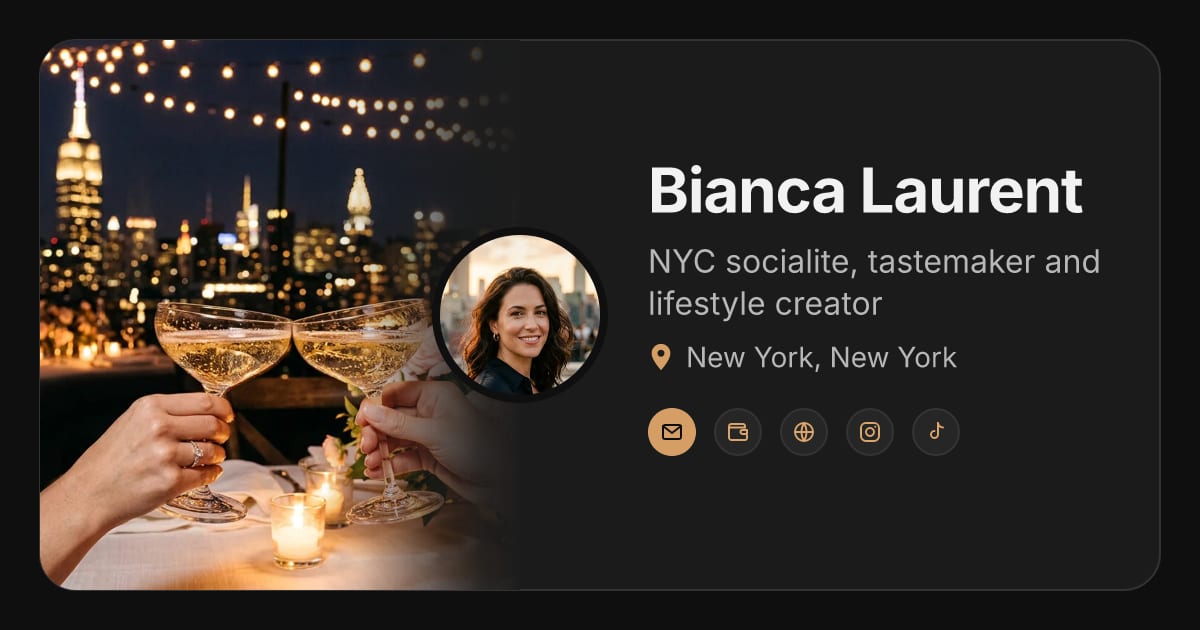 Bianca LaurentCreator · NYC socialite, tastemaker and lifestyle creator
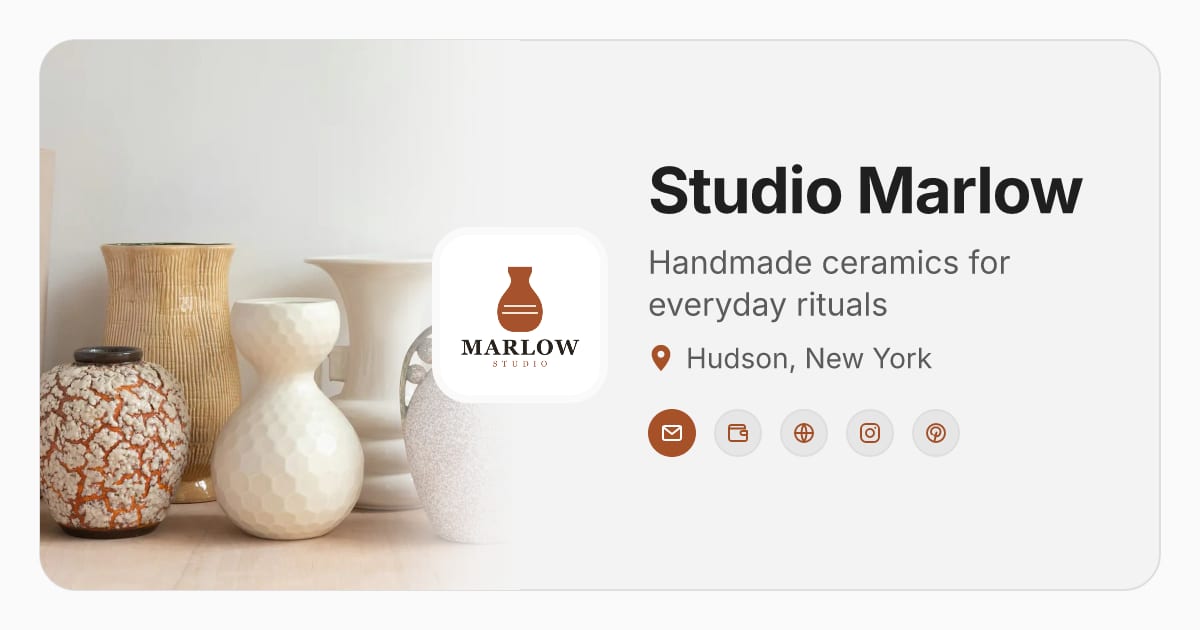 Studio MarlowSmall business · Handmade ceramics for everyday rituals
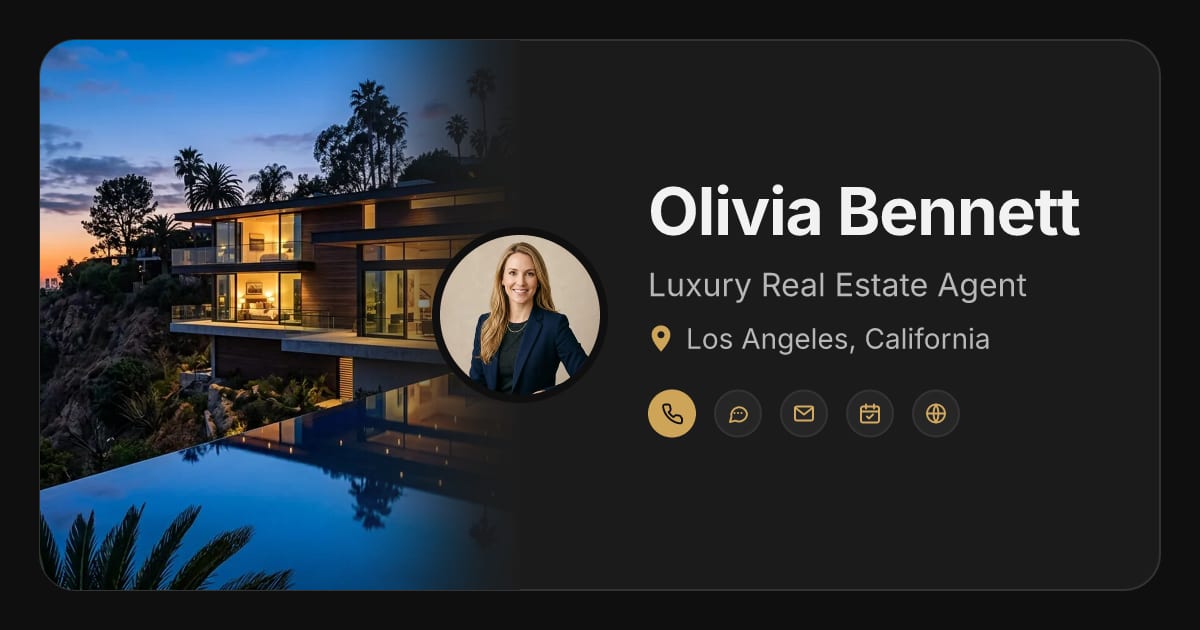 Olivia BennettProfessional · Luxury Real Estate Agent
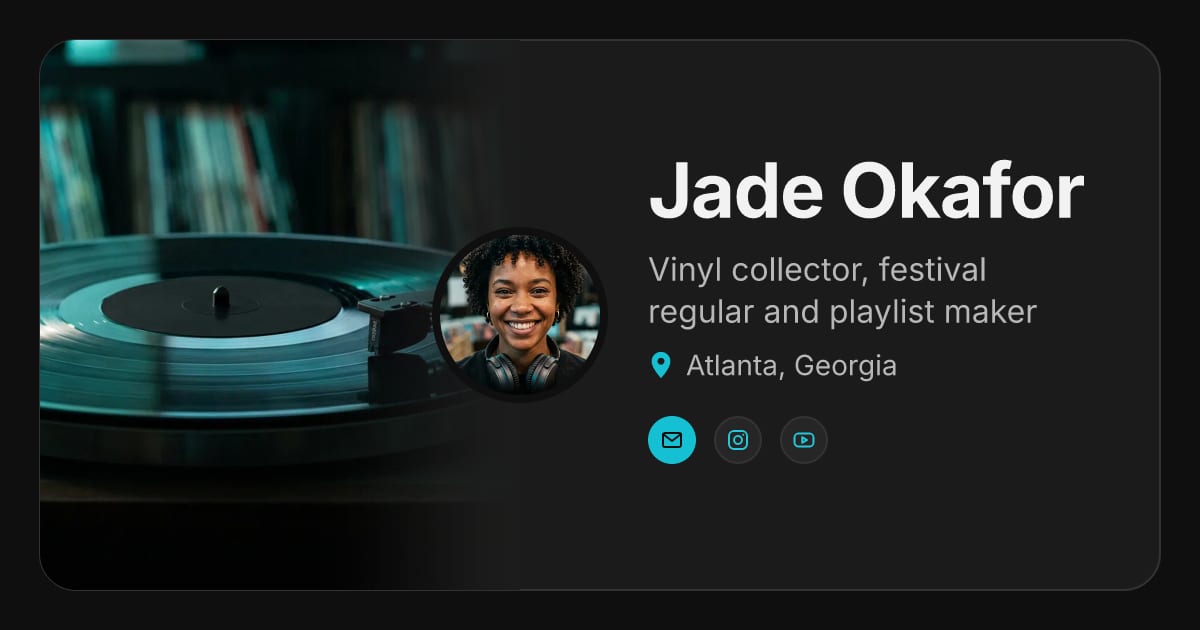 Jade OkaforPersonal · Vinyl collector, festival regular and playlist maker
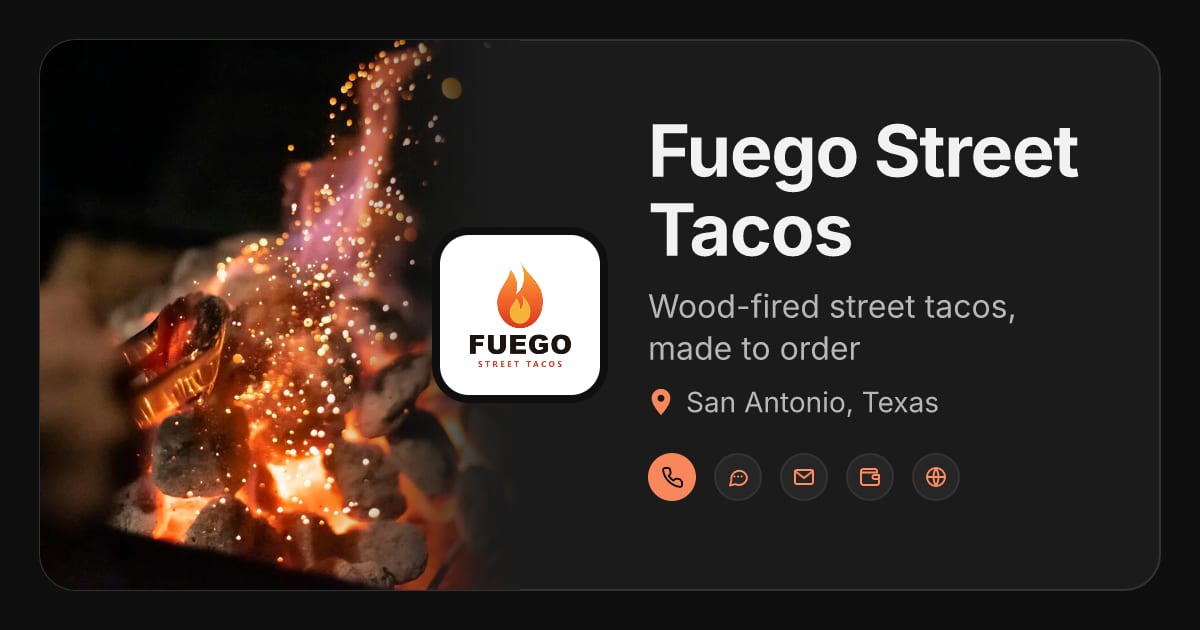 Fuego Street TacosBusiness · Wood-fired street tacos, made to order
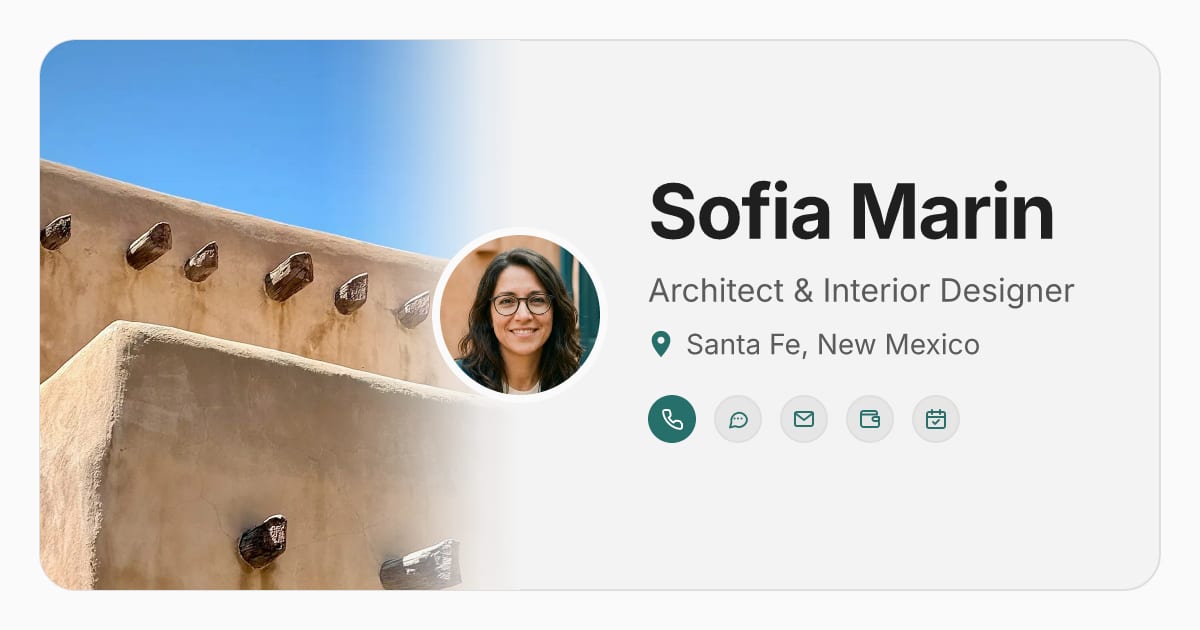 Sofia MarinFreelancer · Architect & Interior Designer
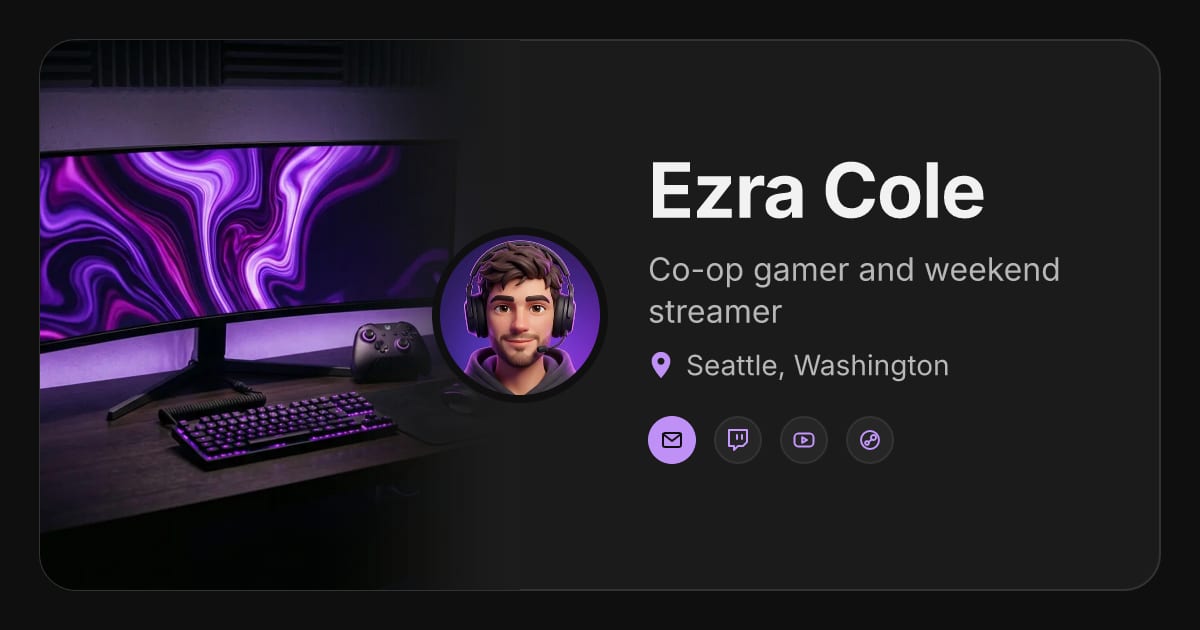 Ezra ColePersonal · Co-op gamer and weekend streamer
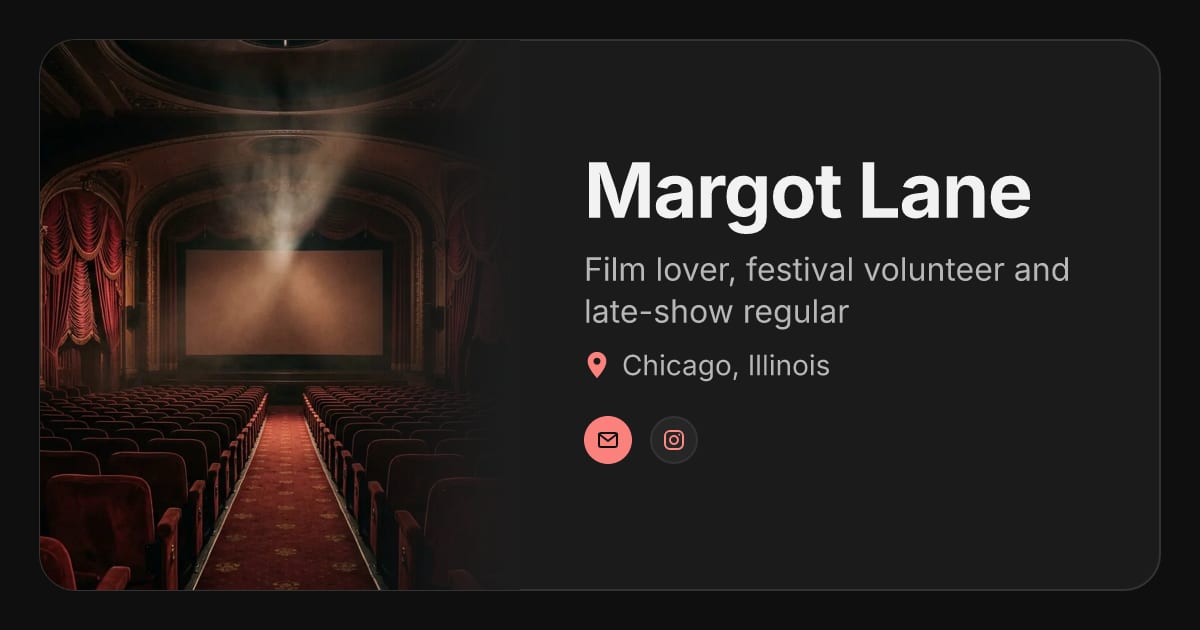 Margot LanePersonal · Film lover, festival volunteer and late-show regular
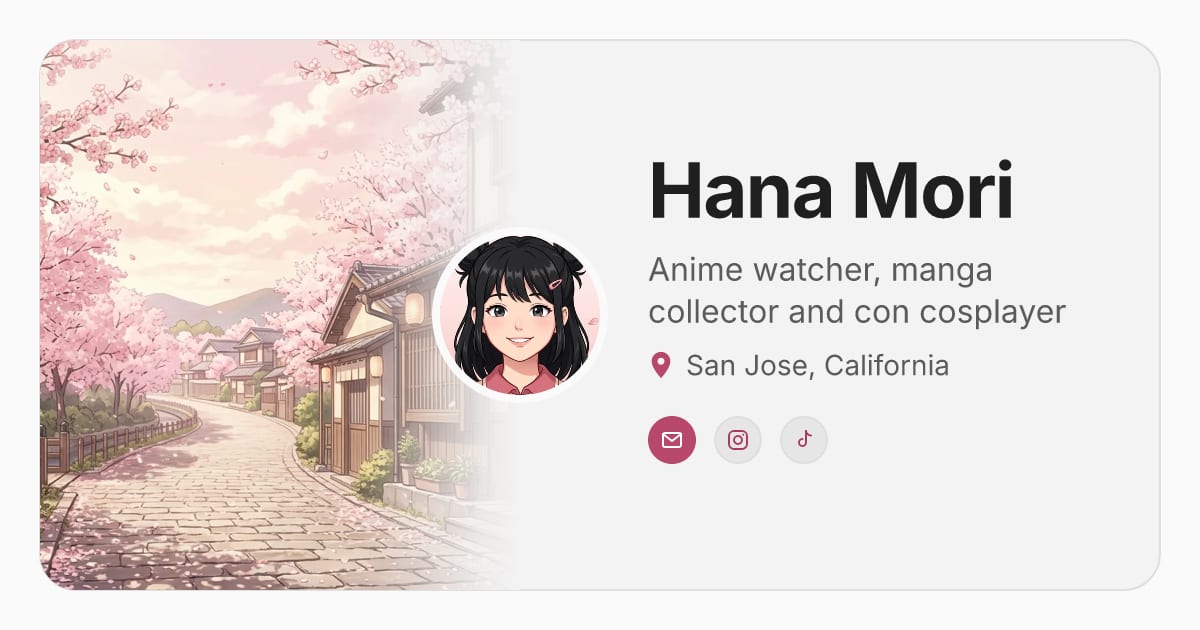 Hana MoriPersonal · Anime watcher, manga collector and con cosplayer
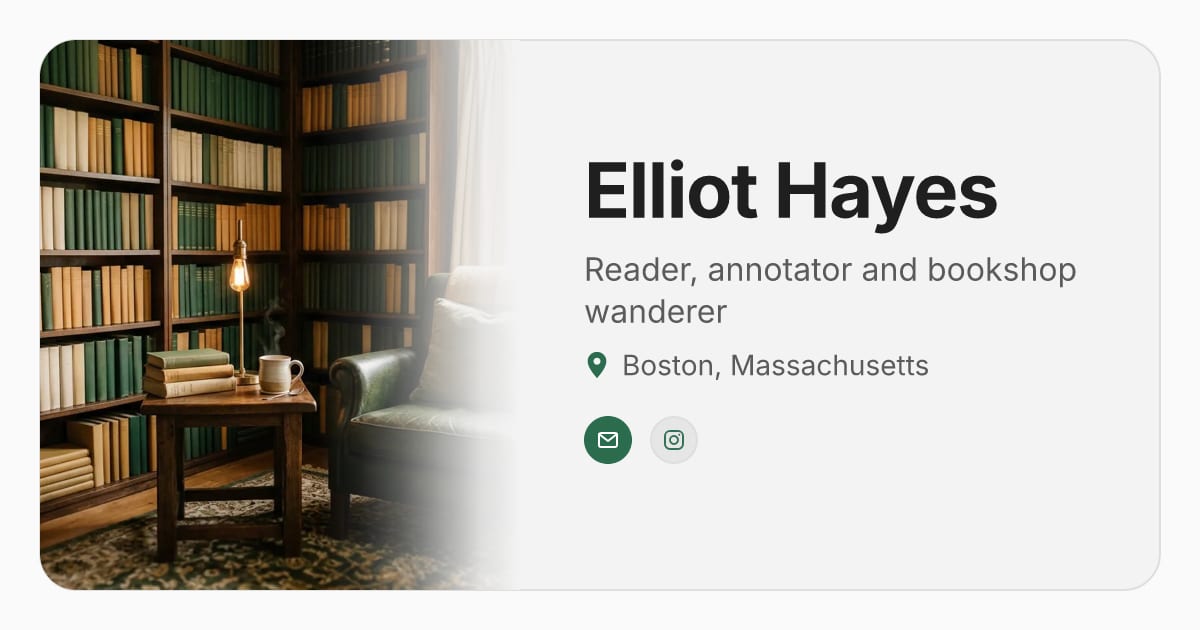 Elliot HayesPersonal · Reader, annotator and bookshop wanderer
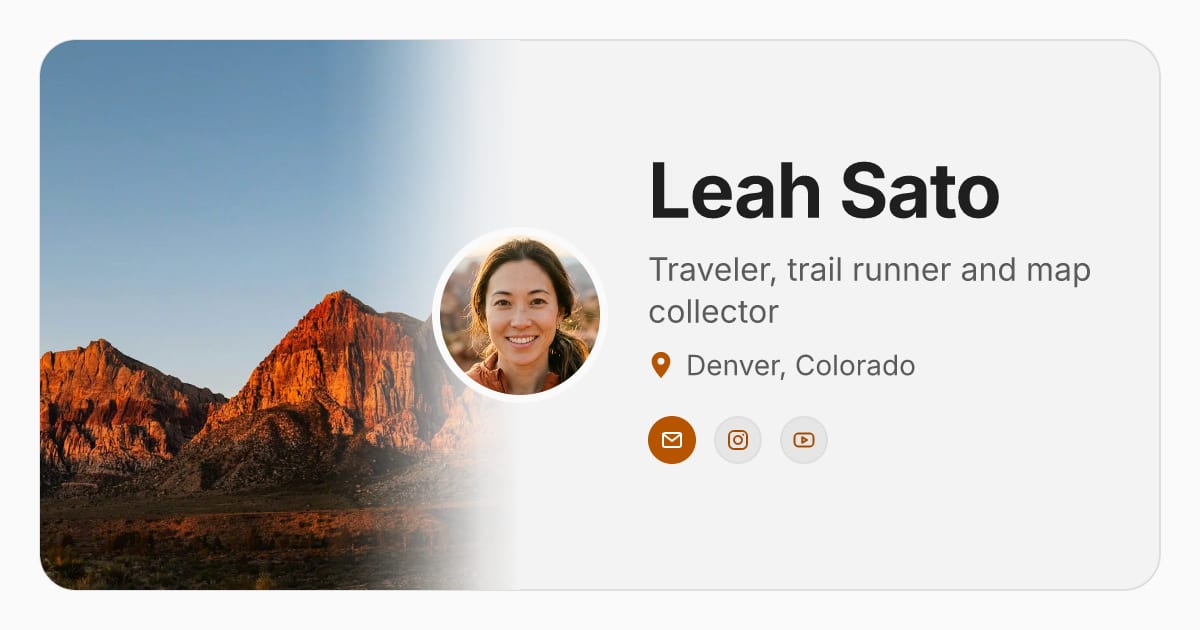 Leah SatoPersonal · Traveler, trail runner and map collector
 Fuego Street TacosAI representative · example