Bryno for Restaurants & Food Trucks
Digital Cards for Restaurants & Food Trucks
Put your menu, hours, location and ordering links behind one QR code. Customers open it in their browser, and you can change it whenever the menu does.
Free to create. No app required.
Why Bryno for Restaurants & Food Trucks
A menu with photos and prices
List dishes under your own categories, each with a price, a short description and a photo.
Where to find you
Show your address or the spots you park and your hours, all in one place.
Pay and tip
Add Venmo, PayPal, Cash App, Zelle or a payment link. Customers pay you directly.
Catering and events
Describe your catering packages and answer the questions planners ask before they call.
See a Live Example: Fuego Street Tacos
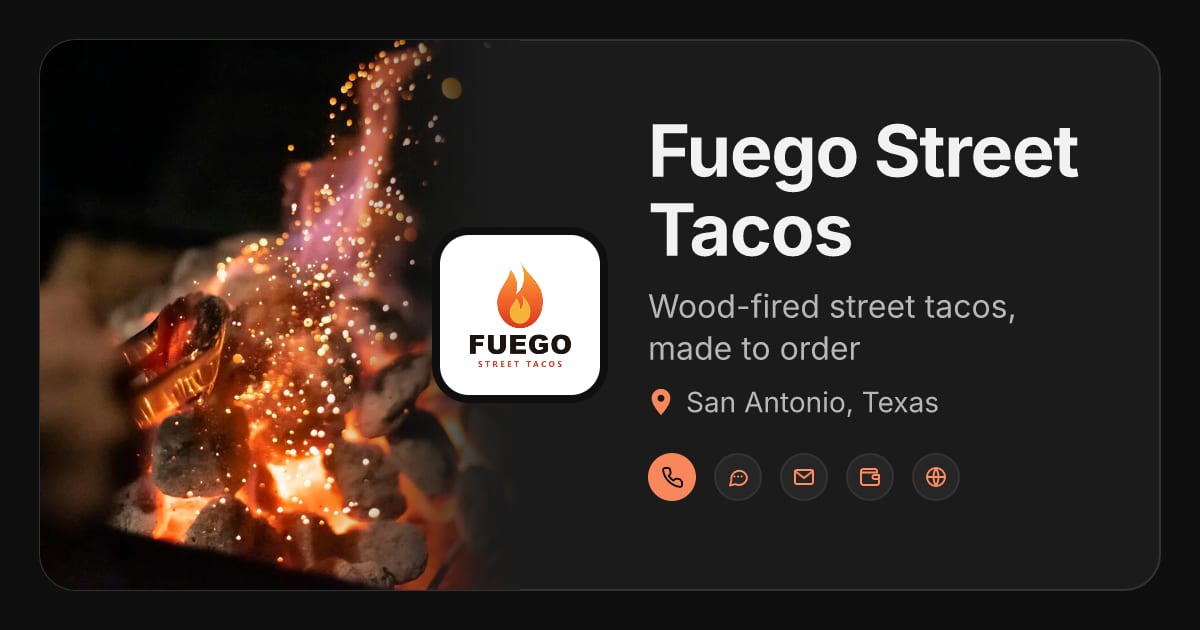
Fuego Street Tacos is a fictional San Antonio taco truck. Its card shows the menu with prices, the truck, catering, pay and tip links, where it parks and an FAQ. Its AI agent button opens an example conversation: a scripted preview whose answers are the card's own FAQ, word for word.
On Fuego's card
- Our Story
- The Menu
- The Truck
- Catering & Events
- Pay & Tip
- Where We Park
- FAQ
More examples
Make It Yours
Choose your card's color, fonts, section style and light or dark theme, add your own photos, and add only the sections you want, in any order. Change any of it whenever you like.
Sections to add
- Menu & Price List
- Locations & Service Area
- Payments & Tips
- Services & Products (catering)
- Photo Gallery
- FAQ
Add an Optional AI Agent
An AI agent can answer the questions customers ask most, like what's on the menu, whether you cater or how to pay, from the menu and FAQ you've approved. It won't guess live details like today's wait or whether a dish has sold out.
See how it looks: open Fuego's card and tap its AI button for an example conversation. It's scripted from the card's own words, not a live AI.
The AI agent is optional and paid. You don't need it to create or share your card.
Start Free, Upgrade If You Want
Free $0
Create, customize and share your card by link or QR code.
Pro $19 one time
Removes Bryno branding from your card permanently. Per card; never renews.
AI agent $9/month
Plus the $19 Pro upgrade to start ($28 the first time), or $99 a year with Pro included the first year.
Questions About Bryno for Restaurants & Food Trucks
Do customers need an app to see my menu?
No. Your card opens in any phone's browser from its link or QR code.
Can I update my menu and hours?
Yes. Edit your card whenever things change, and everyone who opens your link or scans your QR code sees the current version.
Can customers pay or tip from my card?
Yes. Add the Payments & Tips section with your Venmo, PayPal, Cash App or Zelle details, or a payment link. Customers pay you directly; Bryno doesn't process those payments.
Does it work for a café or bakery?
Yes. The Daybreak Coffee example card shows a café: its hours, location, an online coffee shop and an FAQ.
Ready to Make Your Card?
Create a free card in minutes, make it yours, and share it with one link or QR code.
Create My Free Card