Bryno for Real Estate Agents
Digital Business Cards for Real Estate Agents
Give buyers and sellers one link with everything they need: how to reach you, the neighborhoods you know, the homes you're showing and a way to book time with you.
Free to create. No app required.
Why Bryno for Real Estate Agents
One link for every showing
Put your QR code on signs, flyers and open-house tables. Anyone who scans it opens your card and can save your contact in a tap.
Listings with photos and prices
Show homes as cards, each with a photo, a price, the key details and a link to the full listing.
Your areas and experience
List the neighborhoods you serve and your experience, with a section for your brokerage and license details.
A Book button
Add your booking link and your card shows a Book button beside call, text and email.
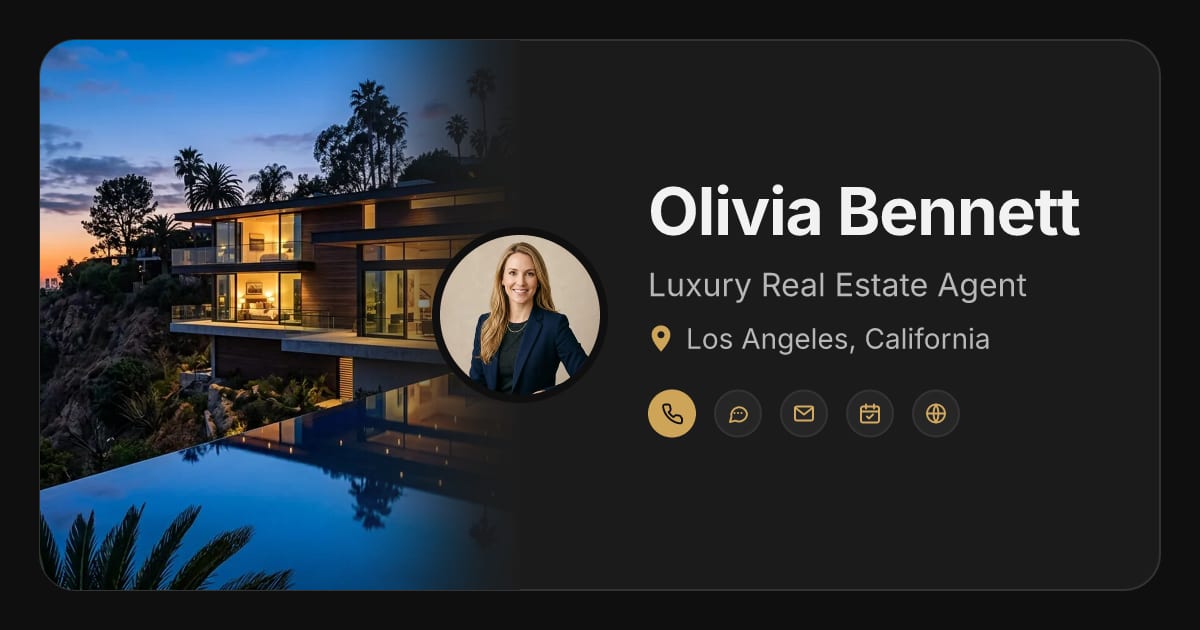
See a Live Example: Olivia Bennett
Olivia Bennett is a fictional Los Angeles agent. Her card shows featured listings as photo cards, her services, the areas she covers, her experience, an FAQ and a place for brokerage and licensing details. Her listings are illustrative, not homes for sale.
On Olivia's card
- About Me
- Featured Listings
- Expertise & Services
- Locations & Service Area
- Experience & Credentials
- FAQ
- Brokerage & Licensing
Make It Yours
Choose your card's color, fonts, section style and light or dark theme, add your own photos, and add only the sections you want, in any order. Change any of it whenever you like.
Sections to add
- Menu & Price List (as listing cards)
- Expertise & Services
- Locations & Service Area
- Experience & Credentials
- FAQ
- Custom Section (brokerage and licensing)
Add an Optional AI Agent
An AI agent can answer the questions buyers and sellers ask at any hour, like which areas you cover, how to book a showing or how you work with first-time buyers, using only what you've added and approved. It won't invent prices, availability or policies, and it can't make commitments for you.
The AI agent is optional and paid. You don't need it to create or share your card.
Start Free, Upgrade If You Want
Free $0
Create, customize and share your card by link or QR code.
Pro $19 one time
Removes Bryno branding from your card permanently. Per card; never renews.
AI agent $9/month
Plus the $19 Pro upgrade to start ($28 the first time), or $99 a year with Pro included the first year.
Questions About Bryno for Real Estate Agents
Can I show my listings on my card?
Yes. Add the Menu & Price List section and show each home as a card with a photo, a price, short details and a link to the full listing. You add and update them yourself; Bryno doesn't connect to an MLS or IDX feed.
Where do my brokerage and license number go?
Add a Custom Section with your brokerage's name, your license number and any notices your state requires. Your state's advertising rules decide what your card must show.
How do I share my card at an open house?
Display or print your card's QR code. Anyone who scans it opens your card in their browser and can save your contact to their phone, with no app to download.
Is it free?
Yes. Creating and sharing a card is free. Pro removes Bryno branding for $19 once per card, and the AI agent is an optional add-on from $9 a month.
Ready to Make Your Card?
Create a free card in minutes, make it yours, and share it with one link or QR code.
Create My Free Card